WoW Forever has a hidden option that can make the game look gorgeous
You can enable native HDR in WoW Forever with one simple command.

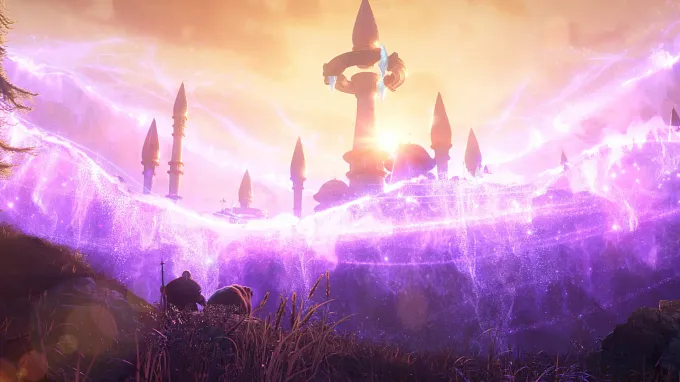
You can make WoW Forever look even better with a graphics feature that you probably have not tried yet.
The game supports native HDR, but the option is not available in the regular graphics menu.
You need to enable it through specific console commands, or use a community addon to change the settings of the game.
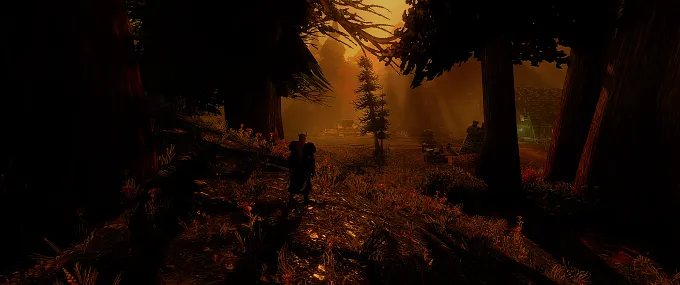
How to Enable HDR in WoW Forever
There are a few important requirements:
You do need an HDR-compatible monitor or display. Without that, it is not going to give you the same results
You also need to enable HDR in your operating system's display settings before changing anything in the game
You then need to enable HDR manually via the in-game chat and enter the following command:
/console HDROutput 1
This activates the game's native HDR output.
You can also adjust the HDR intensity using additional console commands:
/console useHDRBrightness 1
And then adjust it with /console HDRBrightness (0-1000)
/console useHDRPeakBrightness 1
If you want to turn HDR off again, simply enter:
/console HDROutput 0
If you want more information about all the commands, you can also visit this post on the Blizzard Forum.
Use HDR Tuner to Adjust Your Settings
Not everyone wants to play around with ten different console commands, but luckily, there is an even easier option.
There is a community addon called "HDR Tuner (Forever)" that adds a settings panel under "Interface - AddOns."
You can also type /hdt to open it directly.
The addon gives you sliders and checkboxes for the different HDR settings
Brightness
Peak brightness
HDR intensity
You can apply changes immediately without restarting the game.
Is It Worth the Trouble?
If you have an HDR screen, there is really no reason not to. From the screenshots we have seen, it does change the visuals quite a bit, and for the better. Just do not necessarily expect to get the same result as everyone else. Depending on your monitor, it can get a different result, such as too dark or too bright, or even washed-out colors.
For more information about WoW Forever, check out our latest news.